Show all records
Show all records in a few clicks
Setup list pages keep their page size in the URL. Click "more" once, then change rowsperpage from 35 to a large number and reload — the whole list renders on a single page.

How many times were you frustrated by clicking "Show me more records" multiple times until you saw the full list or found the right record?
There is a simple trick to show all records on the page.
A little URL "hacking"
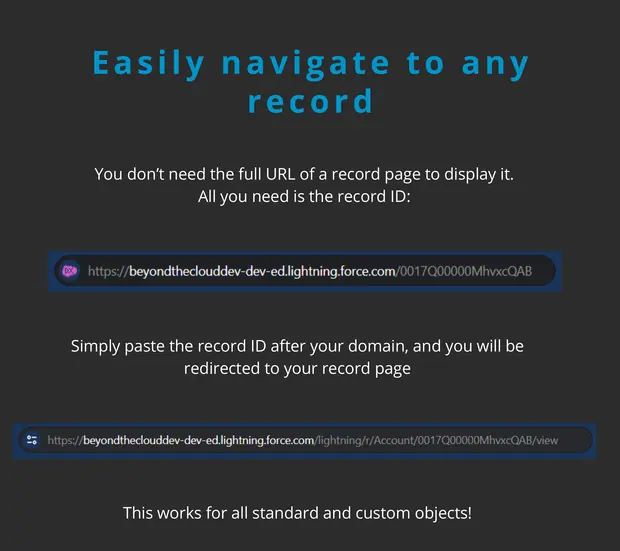
When you open a new page (for example Apex Classes) you see a URL similar to the one below:
https://beyondtheclouddev.lightning.force.com/lightning/setup/ApexClasses/homeScroll down and click on "more" one time. The URL will change to something much longer, now carrying the page state.
If you are doing it for the first time, the best would be to use a text editor.
Copy the whole URL and paste it into the text editor.
Search for "rows".
Change the number next to "rowsperpage" from 35 to 350000.
# before
...%3Arowsperpage%3D35%26retURL%3D%252Fsetup%252Fhome
# after
...%3Arowsperpage%3D350000%26retURL%3D%252Fsetup%252Fhome
Replace the old URL with the modified one and see all the records with this simple trick!
This works with Salesforce Classic as well — it is even easier there, since the parameter is not URL-encoded.
...setupid=ApexClasses&all_classes_page%3AtheTemplate%3AclassList%3Arowsperpage=35000