ApexLogs good practices
Do you struggle with too many debug logs?
Go to Developer Console, Query Editor and do the following: 1. Enter SELECT Id, LogLength FROM ApexLog ORDER BY LogLength DESC into input and click “Execute” 2. Select all the logs (logs…

When opening the developer console, this message greets you?
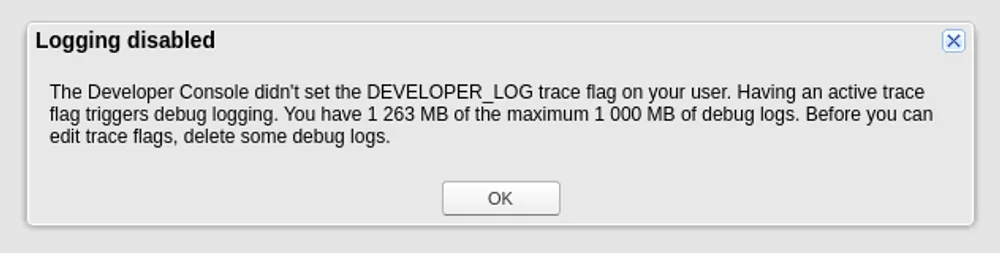
There are a few things that can be done!
First, clean up the existing logs:
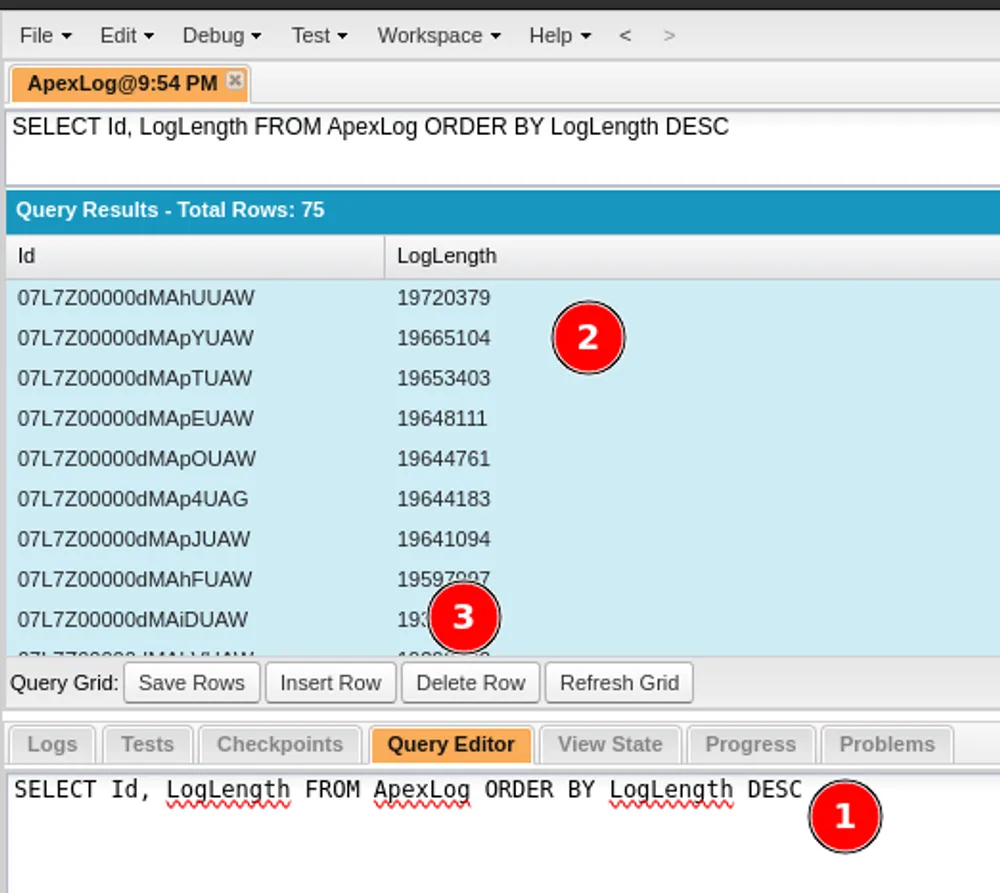
Go to Developer Console, Query Editor and do the following: 1. Enter SELECT Id, LogLength FROM ApexLog ORDER BY LogLength DESC into input and click “Execute” 2. Select all the logs (logs are sorted from biggest to smallest) 3. Click “Delete Row” to remove no longer needed log
Good practices, to prevent it in the future:
1. When setting user trace flags, select only the period you will be using the logs, smaller the better:
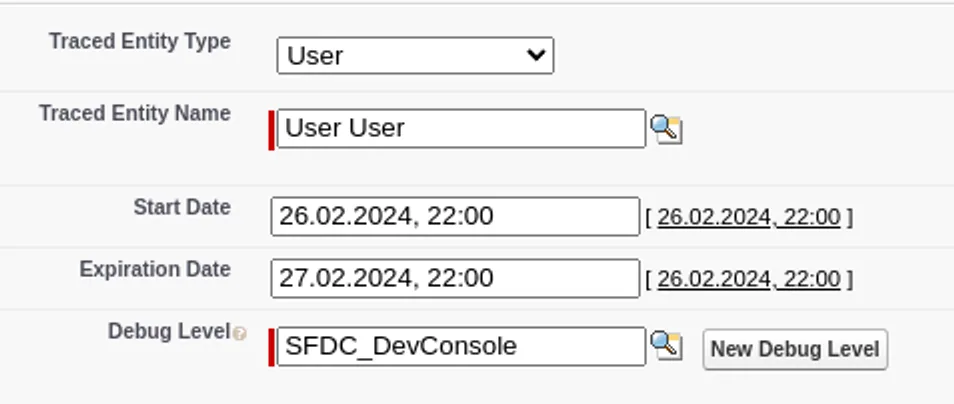
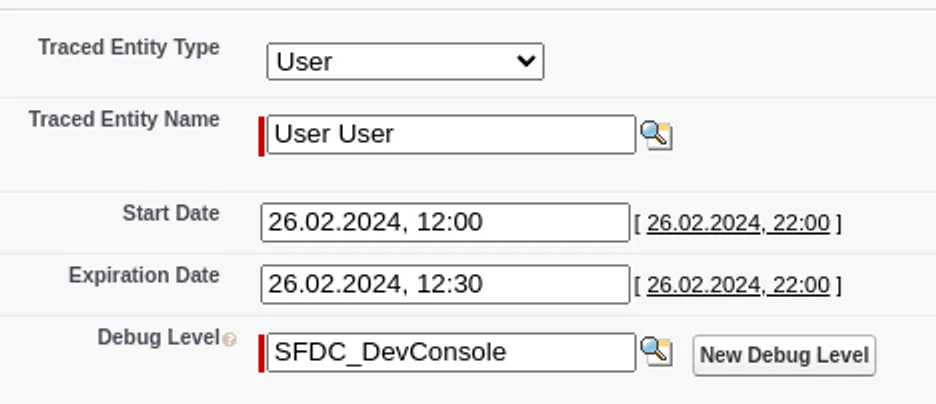
2. Try to never set logs for Integration users or Test Automation users
3. Remove unnecessary System.debug from the files
HttpResponse response = http.send(request);
System.debug(response.getBody());
System.debug(response.getStatusCode())
4. Use Logger framework or Debugger tools instead of System.debug