Access HTML attributes in CSS
You can use the attr() function to retrieve the value of an attribute of the selected element and use it in the stylesheet.

Access HTML attributes in CSS
You can use the attr() function to retrieve the value of an attribute of the selected element and use it in the stylesheet.
markup
<div class="my-class" data-value="demo"></div>css
.my-class::after {
    content: attr(data-value);
}
Why it can be useful?
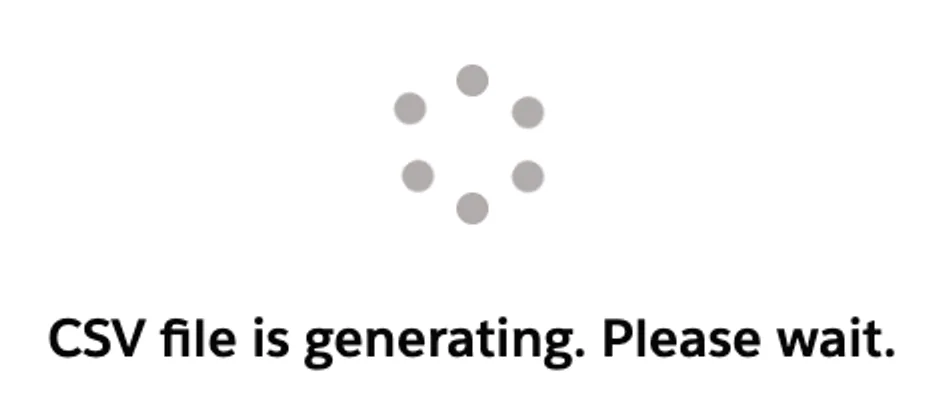
You can add text to the lightning-spinner to inform the user about the processing stage.
markup
<lightning-spinner
    class="loading-spinner"
    data-text="CSV file is generating. Please wait."
    size="medium">
</lightning-spinner>
css
.loading-spinner::after {
    position: absolute;
    content: attr(data-text);
    width: 100%;
    text-align: center;
    font-weight: bold;
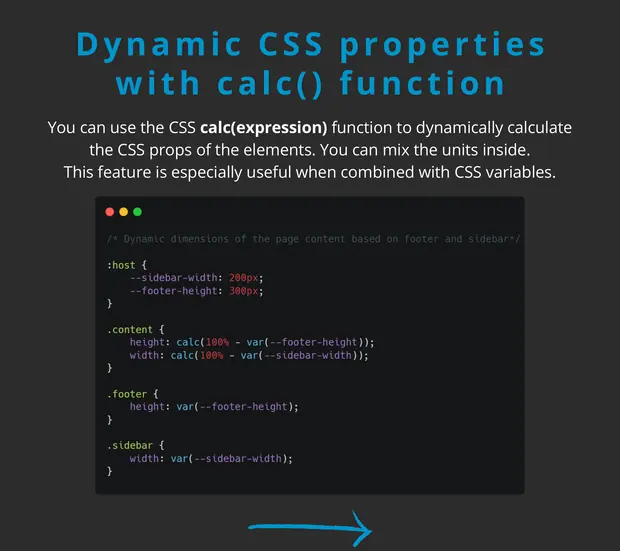
    top: calc(50% + 3em);
}